Hard drives (HDDs) and solid-state drives (SSDs) are essential for storing documents, photos, videos, applications, databases, and other important data. Proper maintenance can help improve reliability, identify problems early, and reduce the risk of unexpected data loss.
Hard Drive (HDD) Maintenance
HDDs contain moving mechanical parts, making them more sensitive to physical damage, vibration, heat, and wear.
To maintain an HDD:
- Keep it cool and properly ventilated.
- Avoid dropping or moving it while it is operating.
- Monitor its health and S.M.A.R.T. indicators.
- Pay attention to unusual clicking, grinding, or repeated noises.
- Use reliable power and consider a UPS where appropriate.
- Keep important files backed up.
SSD Maintenance
SSDs have no moving parts, but they still require proper care.
Important SSD maintenance practices include:
- Keep sufficient free storage space.
- Ensure TRIM is enabled on supported systems.
- Monitor SSD health and temperature.
- Keep SSD firmware updated when recommended by the manufacturer.
- Avoid unnecessary heavy write activity.
- Maintain regular backups.
Warning Signs of Storage Failure
Watch for signs such as:
- Unusually slow performance
- Missing or corrupted files
- Frequent disconnections
- The drive becoming inaccessible
- The drive appearing as RAW
- Windows repeatedly asking you to format the drive
- HDD clicking or grinding sounds
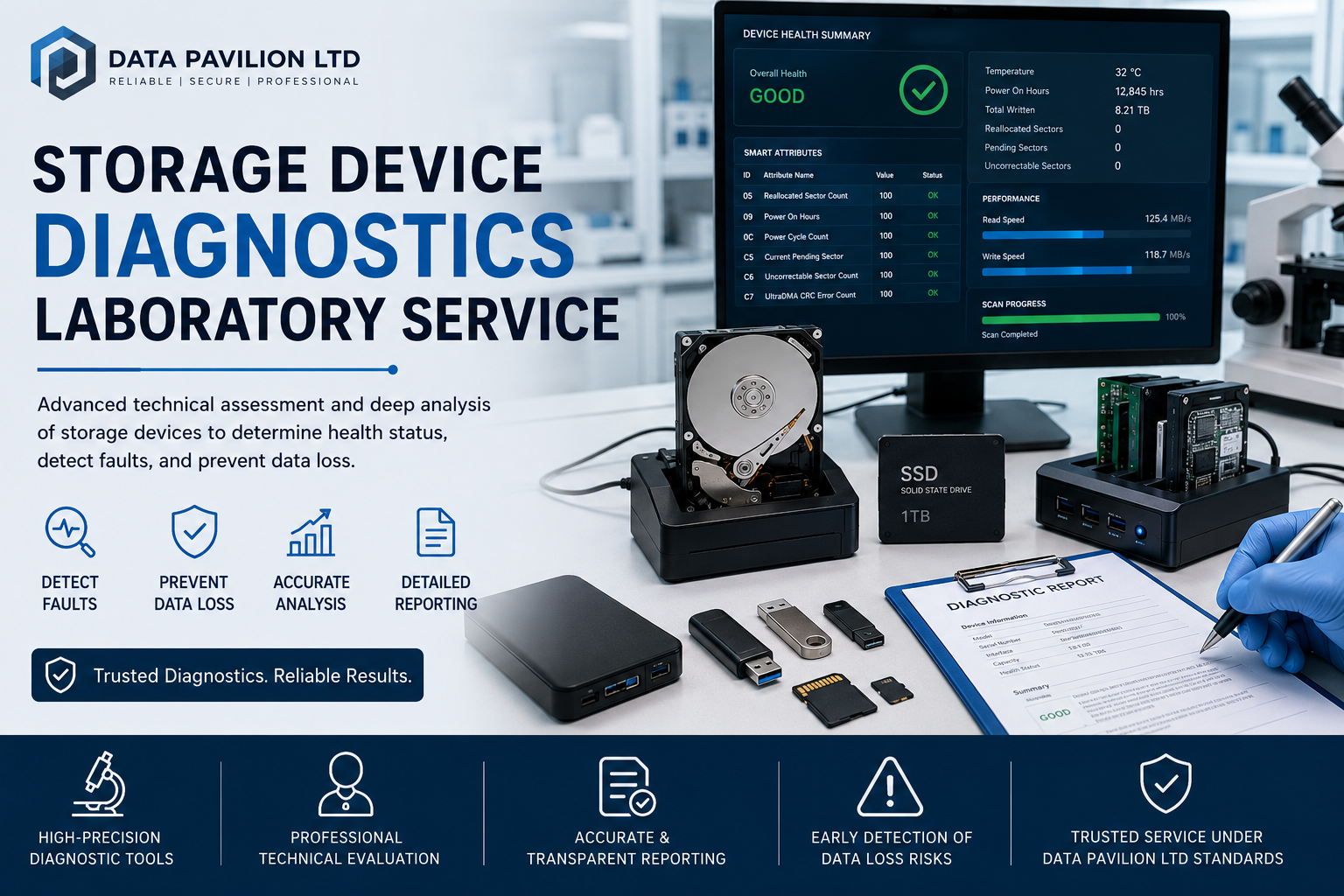
- Health or S.M.A.R.T. warnings
If important data is stored on a drive showing these symptoms, avoid unnecessary use and consider professional diagnosis.
Back Up Your Data
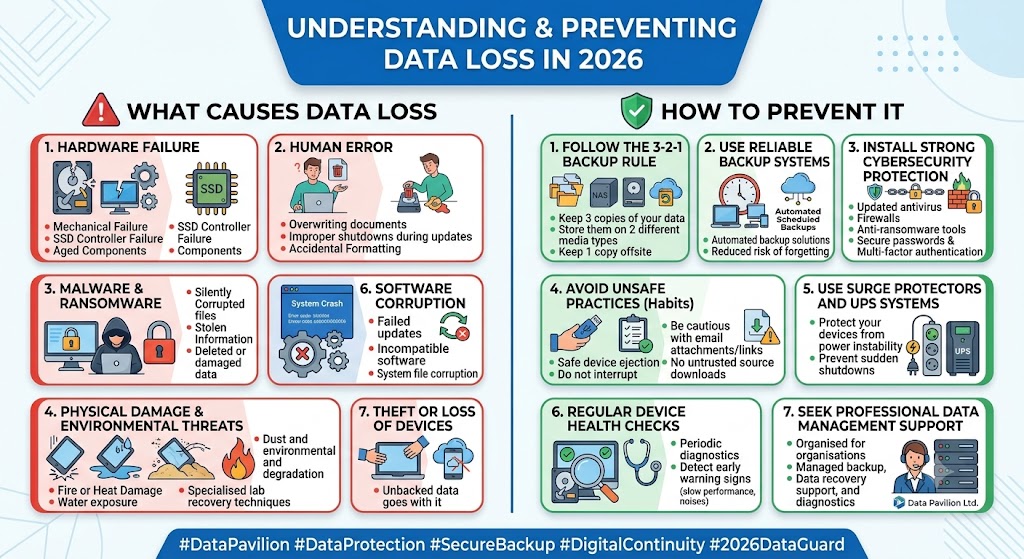
Even a well-maintained HDD or SSD can fail unexpectedly. Regular backups are therefore essential. A good approach is to maintain multiple copies of important data in different locations.
Conclusion
Regular HDD and SSD maintenance, combined with reliable backups, can help protect your data and extend the useful life of your storage devices. If a drive becomes inaccessible, damaged, or shows serious warning signs, professional storage device diagnostics or data recovery may be necessary.
Data Pavilion Ltd helps individuals and organizations protect, manage, diagnose, and recover valuable digital data.